
Follow one verified path before every app action
A safe route is consistent from first tap to login. If the domain, app screen, APK name or OTP timing changes halfway, treat the session as untrusted.
Check the route before the next step
The next screen should explain why it appears. If route goes from button to OTP, wallet or document upload without app identity, restart.
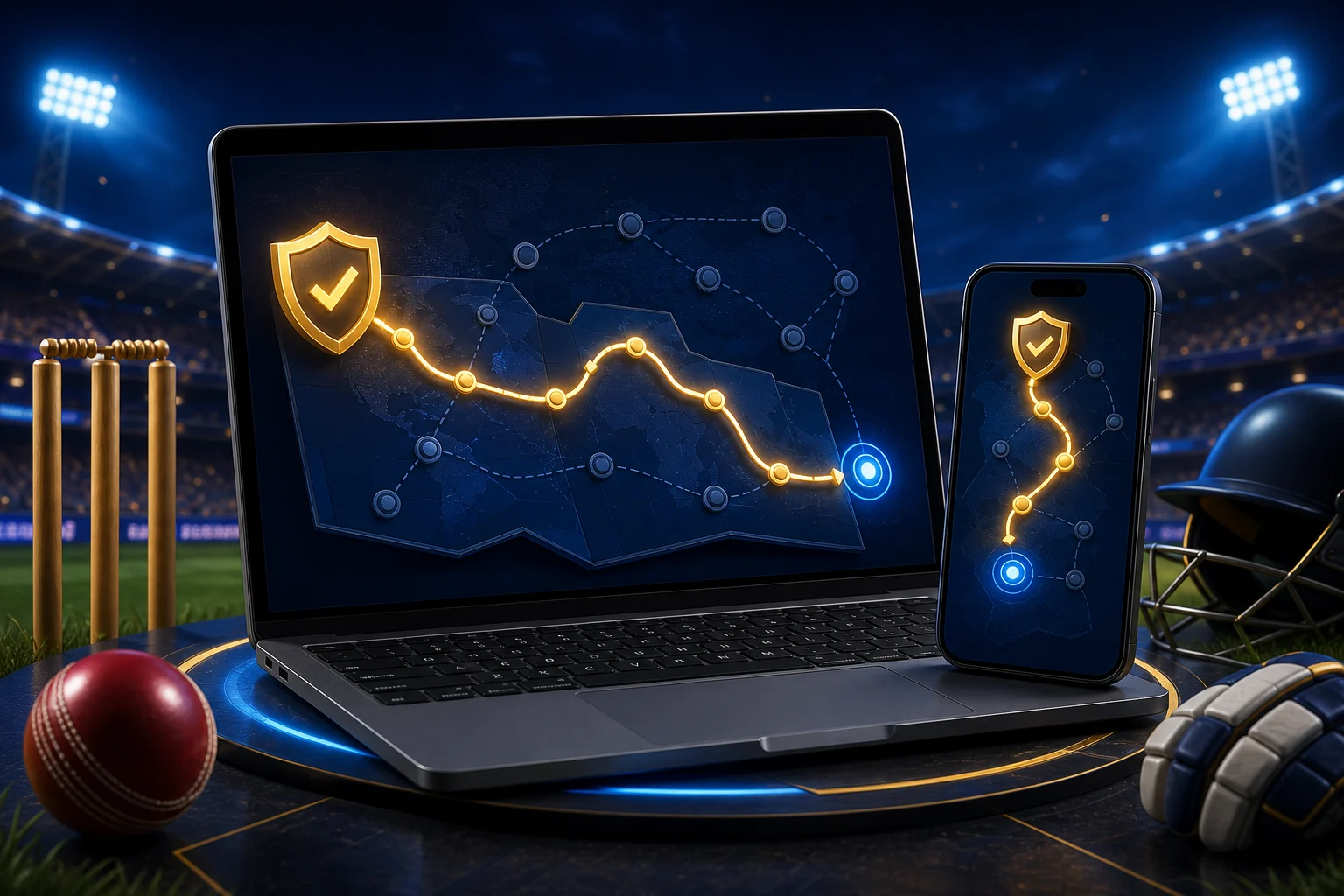
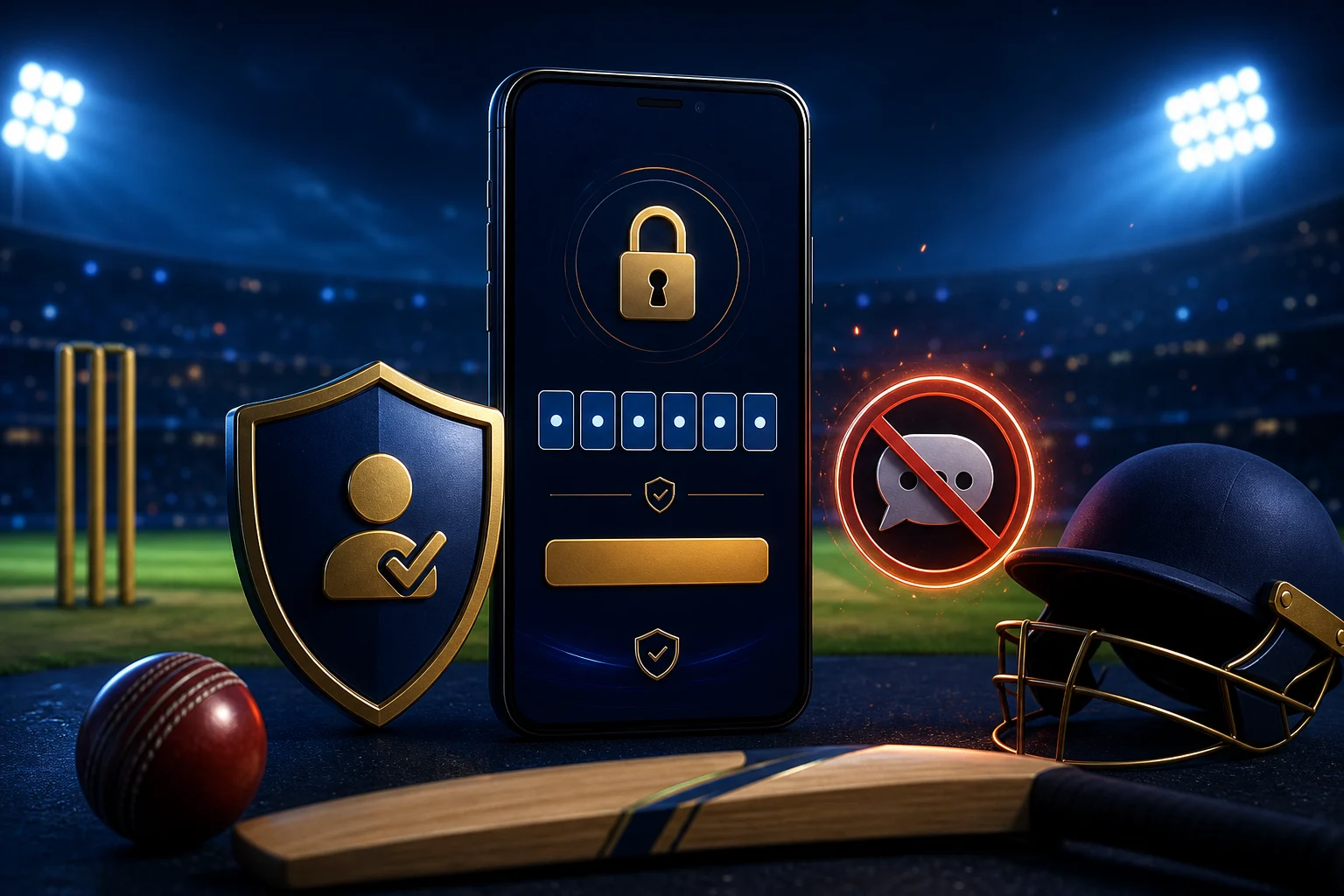

Four checks before moving forward
| Checkpoint | Acceptable signal | Unsafe signal |
|---|---|---|
| Address | Readable route with expected brand context | Shortener, extra brand words, random numbers or forced pop-ups |
| App identity | Name, icon and first screen stay consistent | Logo changes after redirect or app name is hidden |
| Install handoff | Filename, size and permission prompt can be reviewed | Auto-download starts before details appear |
| Account step | Phone and OTP appear inside the verified app route | Code is requested in chat, browser prompt or bonus form |
Use this route order before login
- Open the route from a visible button, not from a copied screenshot.
- Check the first loaded domain before accepting redirects.
- Read APK details before installation; do not install archives or renamed files.
- Complete login only when the route and app identity still match.
- Leave the session if payment or OTP appears before identity is clear.
Route traps that break the order
Mirror pressure
A page says the main app is blocked and pushes a mirror without file details. Treat it as unverified.
Reward handoff
A bonus page asks for OTP or wallet screenshots before the app opens. Close it.
Old build demand
A route says payment works only on an old APK. Use current trusted builds for account actions.
Route order decisions
Is a familiar logo enough to continue?
No. Logos are easy to copy. Domain, file details and login timing matter more.
Should I continue after route changes?
No. Restart when the destination or app name stops being visible.
What needs to be visible before download?
Filename, app name, version, file size and Android permissions.